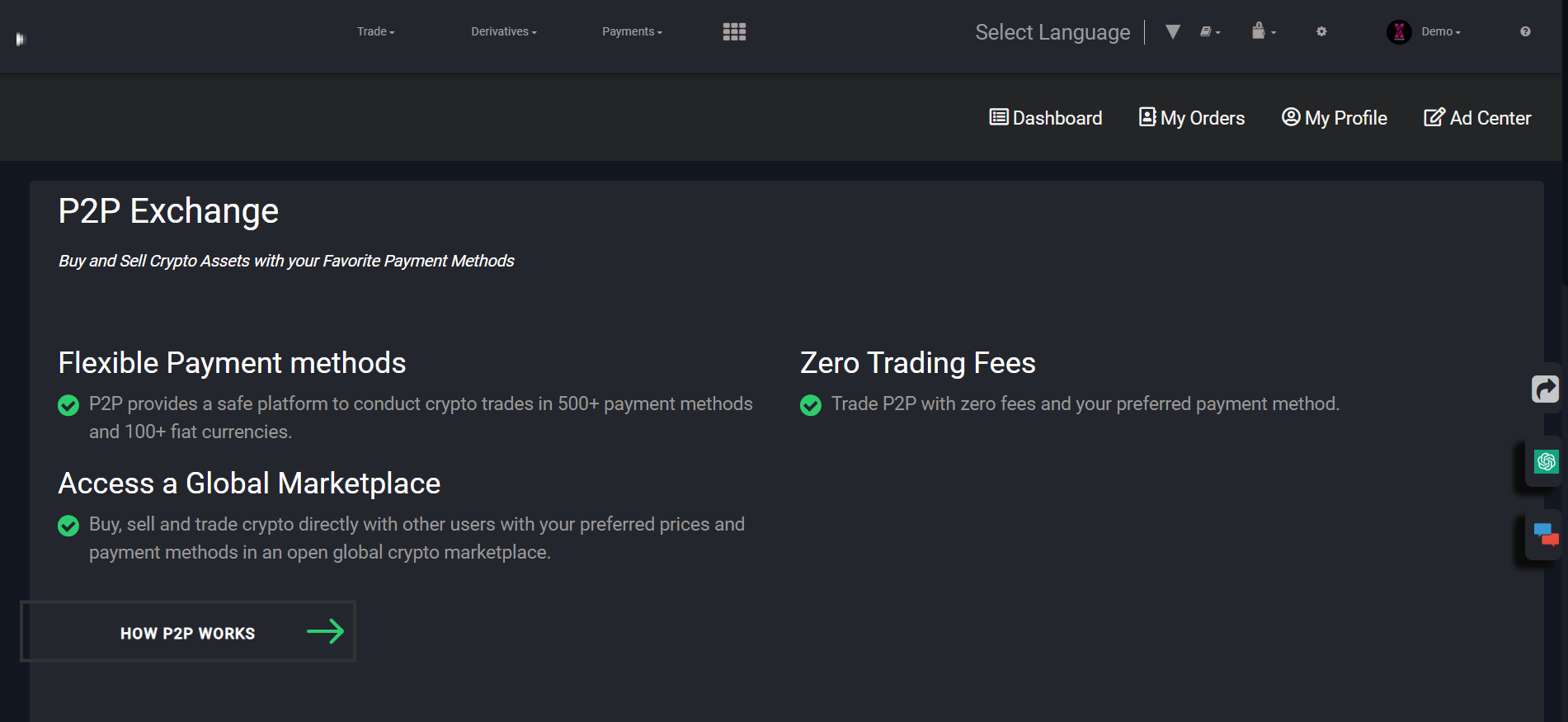

P2P is a peer-to-peer trading market where users can safely trade cryptocurrencies in exchange for their desired local currency.
Steps:
Step 1: Transfer Token From Spot Wallet To P2P Wallet
Step 2. Add Payment Method
Select your desired option.
1. Bank Transfer
You can use Bank Transfer as a payment method.
Enter the bank details like your account number and IFSC code and confirm the process.
2. UPI
Users can also use UPI as a payment method.
Step 3: Place a Sell Order
Once you have set up the payment method, you can now go for selling crypto.
We have already transferred the USDT amount from Spot wallet to P2P wallet, and now we want to sell some USDT.
To sell, click on the Sell button appearing against the USDT token.
A window will appear that will allow you to filter the advertisers based upon the amount, fiat type, and payment method.
We have selected one advertiser, and now you need to enter the amount of tokens you want to sell.
The application will automatically fill in the payment method, and based on the price offered by the advertiser, the amount you will receive will also be displayed.
Important: We recommend you to check the payment time limit of the buyer before placing the order. Some buyers take too much time, making you have to wait a long time to get your money.
Click on Sell USDT and confirm the process.
You can now see the processing window containing a reverse timer that displays the time within which the transaction should be made.
You can also see a chat box that you can use to send a text message to the buyer.
Once the buyer has made the payment, you will get the below window.
It will now show your time limit to release the crypto by clicking on the Confirm Release button. Confirm the process to finally complete the order.
Order completed, you can see the list of completed orders from the All Orders tab.
P2P allows users to buy, sell, and trade crypto with their favorite payment methods.
In addition to regular trading, our P2P platform includes an ad posting feature for users who want to set their own prices and payment methods when buying or selling crypto
In this guide on P2P ads, we’ll walk you through everything you need to know, from setting up your ad to utilizing different promotions.
P2P is a leading peer-to-peer platform that allows you to buy, sell, and trade crypto directly with other users. Users can browse and set their own trading terms in the form of an ad.
Setting up an ad on P2P is fast, simple, and flexible, giving you more control over who you trade with and how you buy or sell crypto. If you want to get the best results, it’s essential to understand the different ad settings and strategies you can use on Payibito-Pro P2P.
What is an order limit?
An order limit is the minimum and maximum amount of fiat or crypto assets that can be bought or sold in a specific ad. For example, if you post a BTC/USD P2P buy ad and set 100 USD as the lower limit and 500 USD as the upper limit, this limits the taker to sell within 100 - 500 USD equivalent of BTC to you in each order.
Payment window
Payment windows are the time period set by a maker that they want to send/receive payments in. They can range from 15 minutes to 30 minutes. You can check a user’s payment window by clicking on their ad.
Nickname
A nickname is an alias that a user can have on Payibito-Pro in order to trade. All users that post ads (makers) need to set a nickname in order to do so.
Release Time
Once the buyer has completed the payment, the seller has to release the crypto within the release time. If the release time is up and the crypto isn’t released, Payibito-Pro customer service agents will follow up on the trade. You can check a user’s Avg Release Time by clicking on their nickname and checking their profile. Avg Release Time indicates the average time the user has taken to release crypto when a buyer has completed payment on their buy ads.
Pay Time
If a buyer has agreed to a trade, they must complete the payment by the pay time if they are using a non-instant payment method. If the seller does not receive the payment within the pay time, Payibito-Pro customer service agents will follow up on the trade. You can check a user’s Avg Pay Time by the same method as mentioned for release time. This indicates the average time the user has taken to make a payment to a seller on their Sell ads.
30d Trades
30d Trades refers to the number of trades the user has completed in the past 30 days.
30d Completion Rate
30d Completion Rate = 1 - total number of cancelled orders in the last 30 days / Total number of completed orders in the last 30 days. If you are a buyer and cancel an order, it will affect your completion rate, whereas the seller’s rate will be unaffected.
What is an appeal?
An appeal is used when the buyer and seller disagree or dispute, and Payibito-Pro investigates. During an appeal, all crypto involved in the trade is locked.
Payibito-Pro P2P Appeals Process.
Main Takeaways
If you can't reach an agreement with your counterparty, Payibito-Pro P2P offers the opportunity for both users to open an appeal.
Before filing an appeal to the customer service team, try to communicate with the counterpart via the order chat. Reaching an agreement with your counterparty may be faster than opening an appeal.
Peer-to-peer (P2P) trading is a straightforward way for users to buy and sell crypto, especially for those who like being able to choose their preferred payment method. On Payibito-Pro P2P, users can buy and sell cryptocurrencies among themselves without the need for an intermediary. While most transactions occur without any problems, experienced and new users should prepare themselves if a transaction doesn't go according to plan.
If a transaction doesn't go smoothly, Payibito-Pro P2P offers the opportunity for buyers and sellers to file an appeal. This is when the customer service team comes in to mediate between both parties and solve the issue. This article will walk you through how the appeal process works, when you should file an appeal and more.
When to Open an Appeal?
Before opening an appeal, remember that you can click on the [Chat] button to initiate a chat with your counterpart. It is faster to reach an agreement with your counterpart than open an appeal. However, if communication fails and you cannot agree to a solution, you can click on the "help" button and open an appeal. Our customer service will help you solve the problem.
When an order is on appeal, the cryptocurrency will remain blocked until the case is resolved. Our customer service will communicate with the users involved in the dispute by email. Please take note that the appeal process is not instant, it is a complicated process and may take time. We are grateful for your patience and understanding.
Reasons to Open an Appeal as a Seller
I received the payment from the buyer, but the amount is not correct: The buyer transfers the money to your account but the amount does not correspond to the amount indicated on the platform.
The buyer marked as paid but I did not receive the payment to my account: Contact the buyer and inform him that you have not received the payment on your account, if you do not reach an agreement through the chat, you can open an appeal.
I received payment from a third party account: Open an appeal. If the name on the buyer's account (e.g. bank account) does not match the name on the platform, the buyer has violated the rules and the cryptocurrencies cannot be released, the seller must refund the money and the order will be cancelled.
Reasons to Open an Appeal as a Buyer
I made the payment, but the seller did not release the cryptocurrencies: Before opening the appeal, contact the seller via chat and send the payment’s proof (note that sometimes these transactions are not immediate). If the seller does not respond to chat messages or refuses to send the cryptocurrencies, open an appeal.
Pay the seller extra money: If you make a payment that exceeds the amount you set on the platform, you can chat with the other party to reach an agreement. If no agreement is reached, you can open an appeal, you will need to attach proof of payment.
How Does the Appeal Process Work?
Before involving the customer service team, remember that you can directly reach an agreement with the counterpart through the chat. If you do not agree with the counterpart, initiate an appeal. The first step will be to mark the reason why you decided to open the appeal, these reasons are different for the buyer and the seller, as we have mentioned before.
You will also need to attach a piece of evidence to support the reason for your appeal. For example, if you are the seller and have received an incorrect amount from the buyer. You can file an appeal with the reason "I received payment from the buyer but the amount is not correct" and attach proof of payment.
Once the appeal is open, the counterparty has 10 minutes to talk to you again via chat and come to an agreement.
If they reach an agreement, you can cancel the appeal directly. If after this period of time, the agreement is not reached, the case will go to support and a customer service agent will contact both parties to find an agreement.
If you mistakenly cancelled the appeal, you must wait 5 minutes to file a second appeal. For more information, check out our in depth video tutorial
Useful Tips When Opening an Appeal
Be clear when you file one appeal for your order to avoid customer service confusion. Communicate clearly the kind of action you need customer service’s help with, either for cancelling the order or releasing the order.
Attach relevant proof like proof of payment or no payment being made, don't attach a screenshot of conversations with the counterparty as proof of payment.
Please allow customer service to respond to your appeal within 24 hours - 48 hours.
Do not use abusive language to customer service and your counterparty during the appeal process
Always communicate using the provided chatbox on P2P so that customer service can follow the conversations ongoing between buyer and seller to avoid confusion



 BTC/USD
 ETH/USD
 HCX/USD
 BCH/USD
 LTC/USD
 EOS/USD
 ADA/USD
 LINK/USD
 BAT/USD
 HBAR/USD