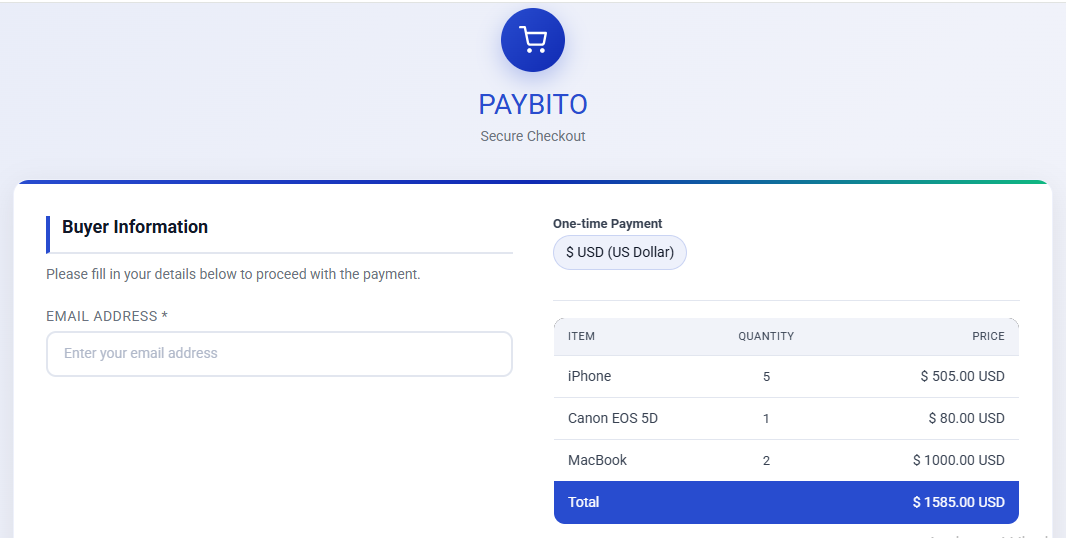
Download Extension Files
Usually, the PayBito Pay extension comes as:
paybitopay.ocmod.zip
or
upload/ folder files
If you don't have it, ask PayBito Pay support.
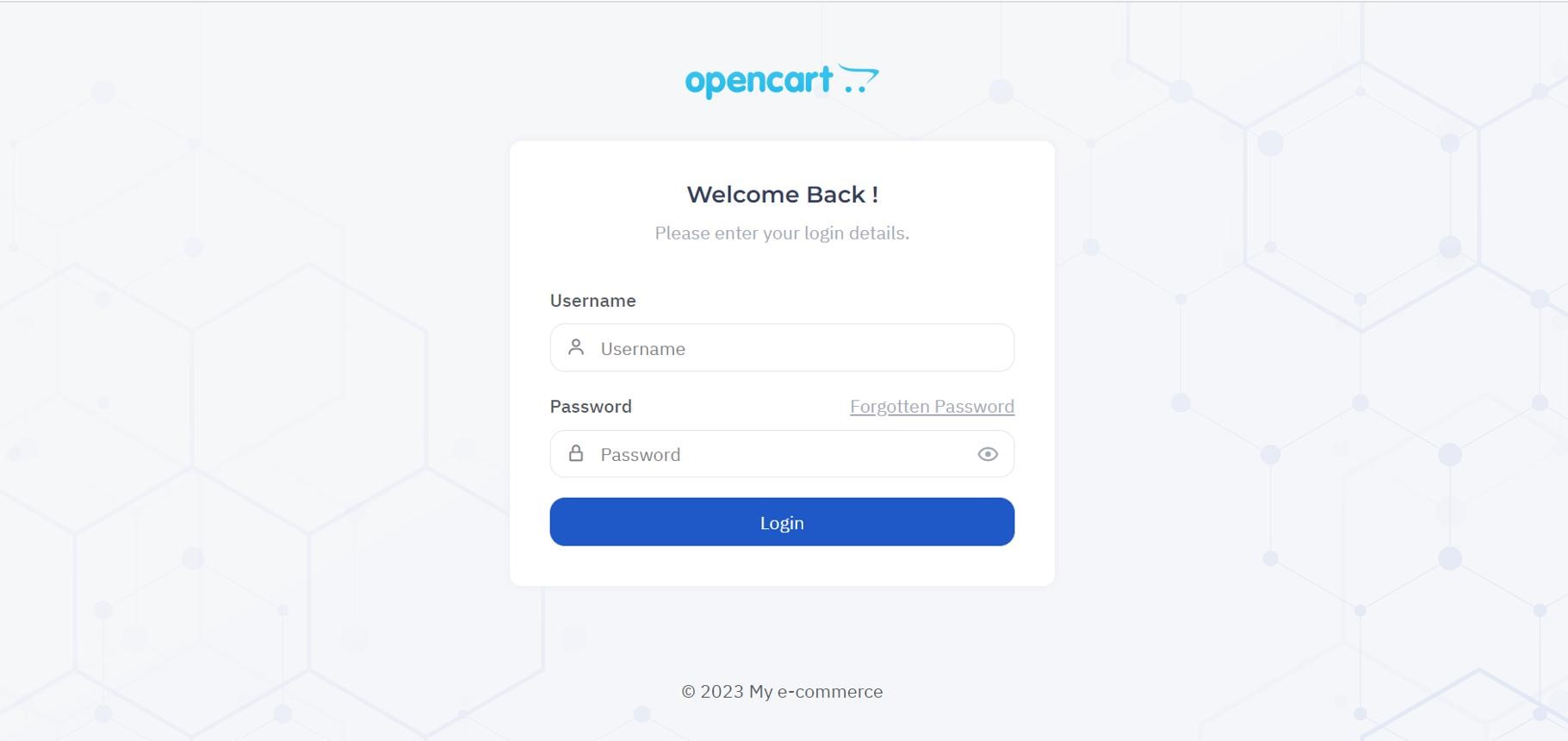
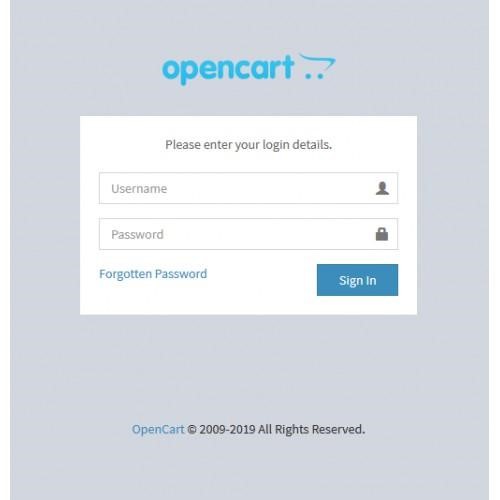
Login to OpenCart Admin Panel
Go to:
https://yourdomain.com/admin
Enter your username and password to log in to the OpenCart admin dashboard.
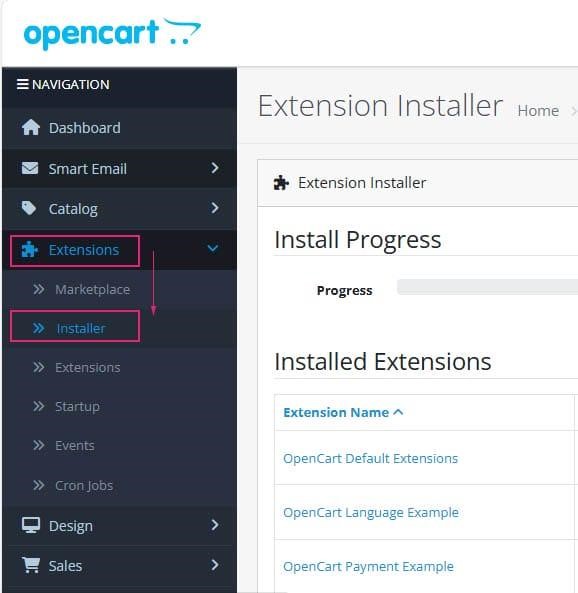
Upload Extension
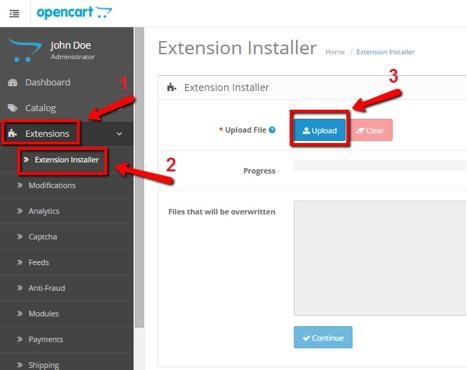
Go to:
Extensions > Installer
Then upload:
paybitopay.ocmod.zip
If successful, message will show:
Success: You have modified extensions!
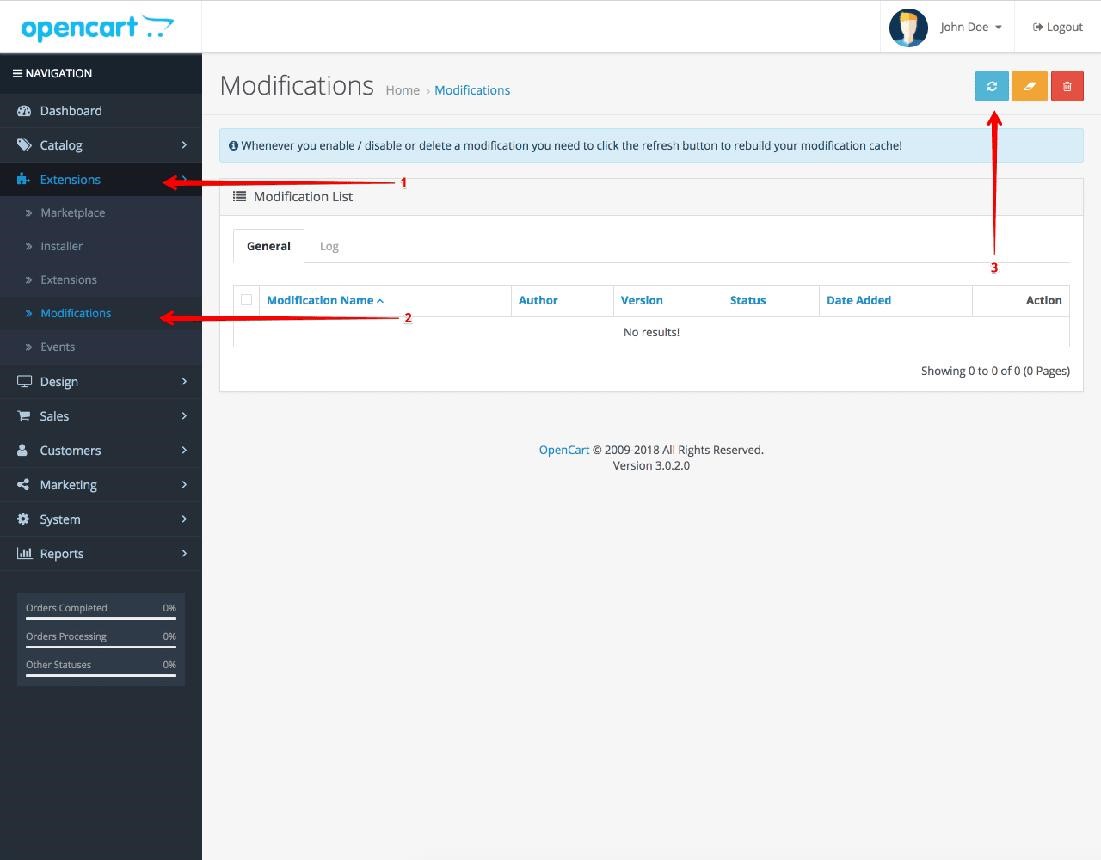
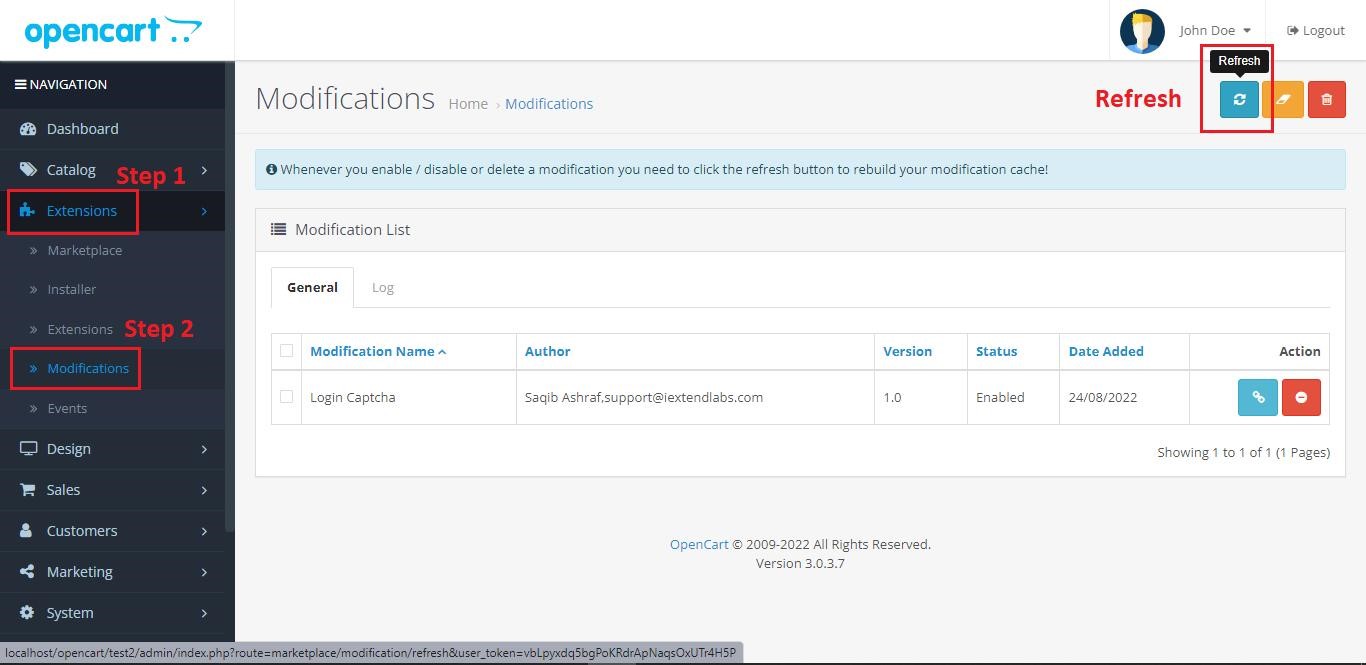
Refresh Modifications
Go to:
Extensions > Modifications
To pay with cryptocurrency:
Then click:
Refresh button (top right)
Enable PayBito Pay Payment Method
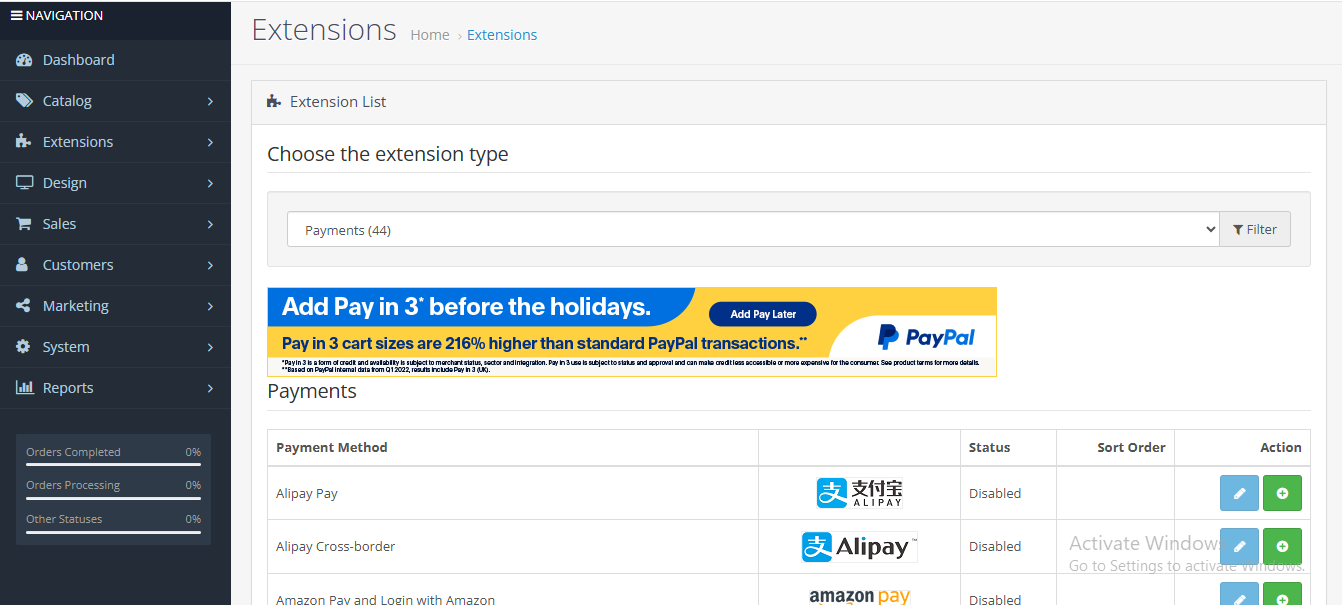
Go to:
Extensions > Extensions
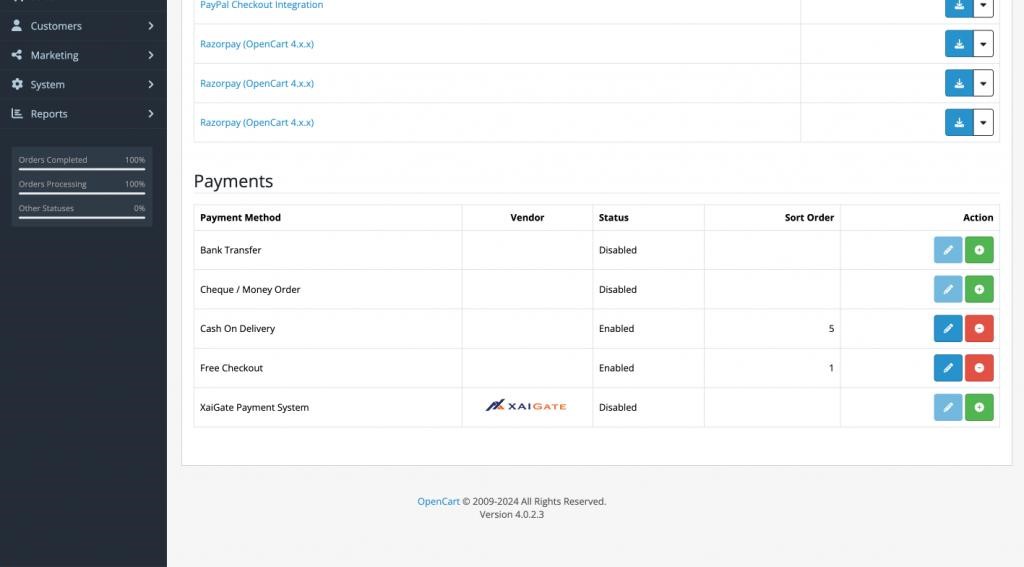
Select: Payments
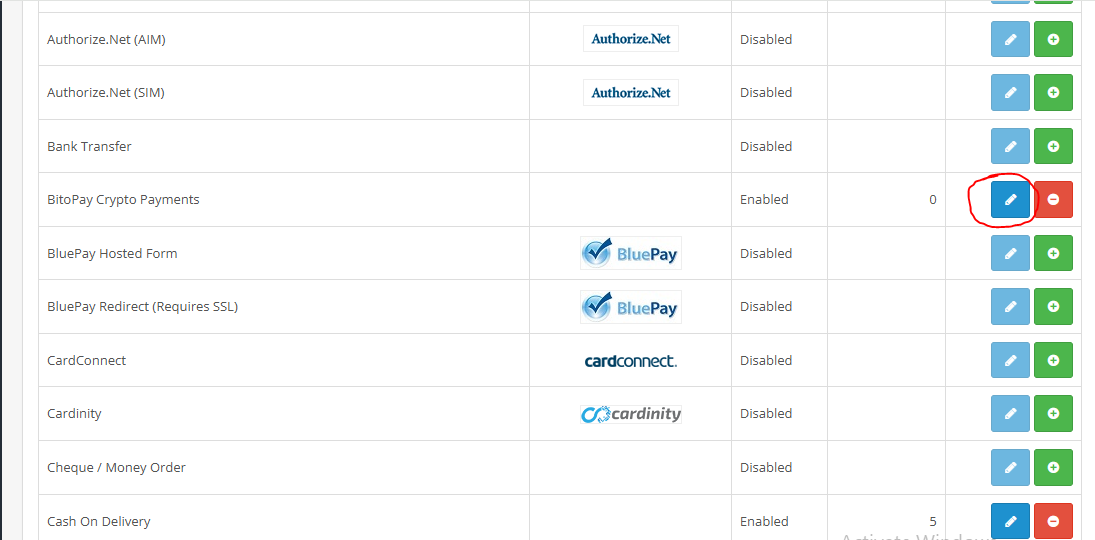
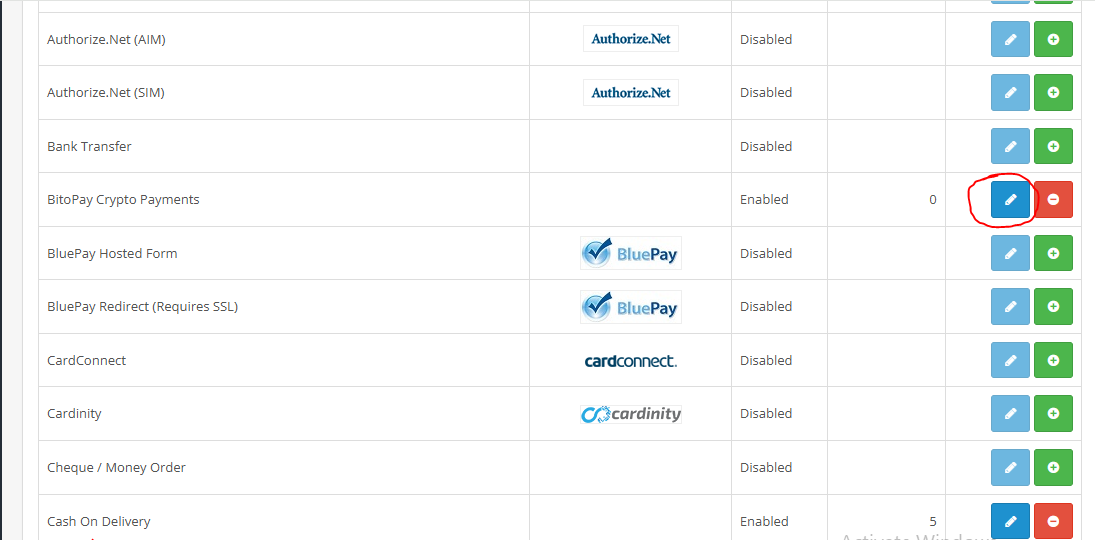
Find: PayBito Pay
Click: Install
Then click: Edit
Configure Settings
Inside PayBito Pay settings page add:
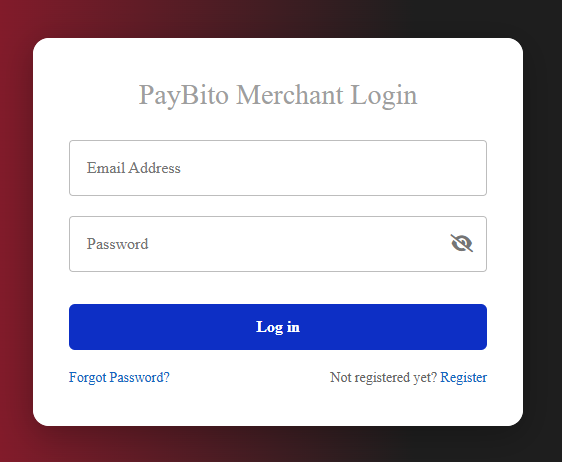
First, log in to PayBito Pay Merchant
https://trade.paybito.com/payments
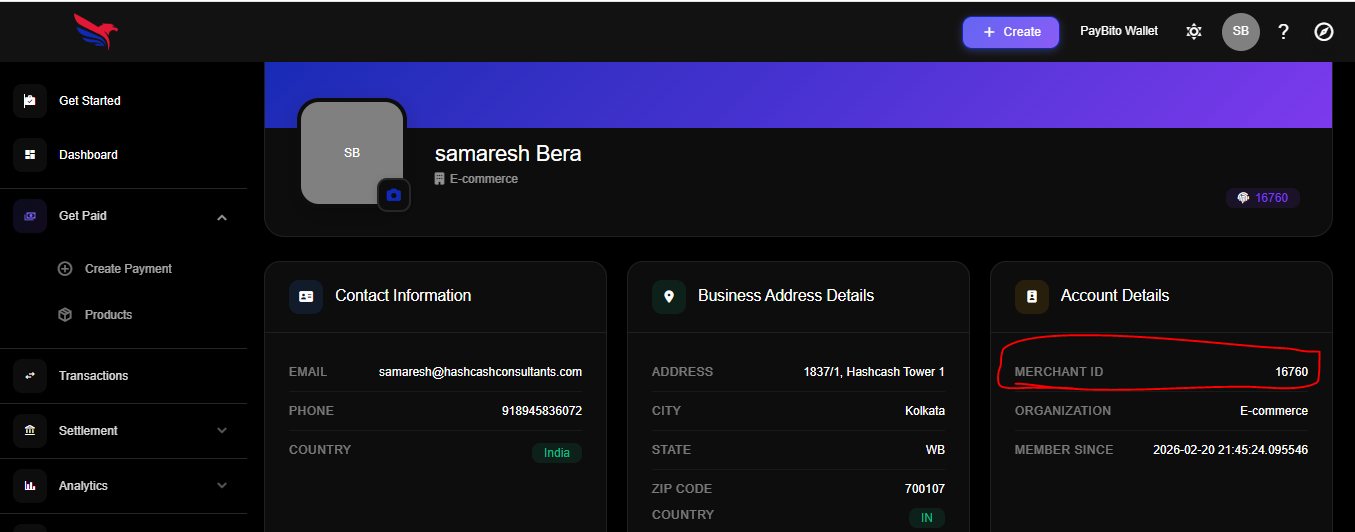
Merchant ID: From PayBito Pay Merchant
https://trade.paybito.com/payments/profile
API Key and Secret Key: From PayBito Pay Merchant
https://trade.paybito.com/payments/api-key
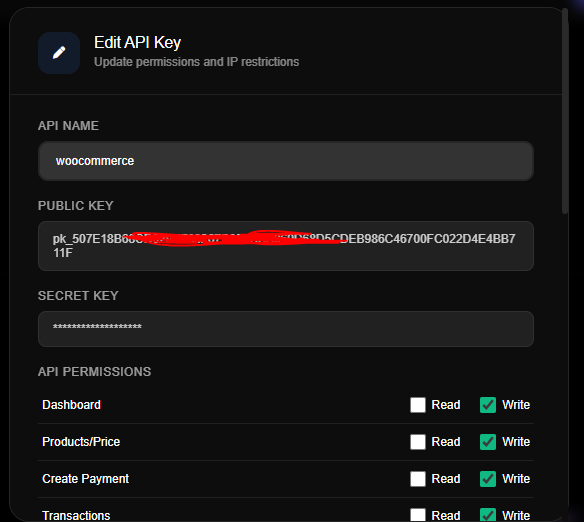
Webhooks: From PayBito Pay Merchant
https://trade.paybito.com/payments/webhooks
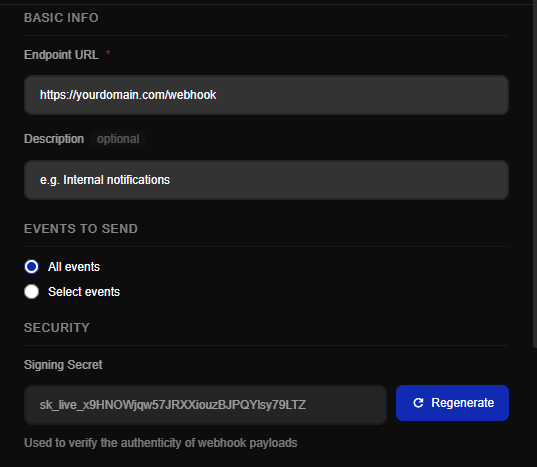
Status: Enabled
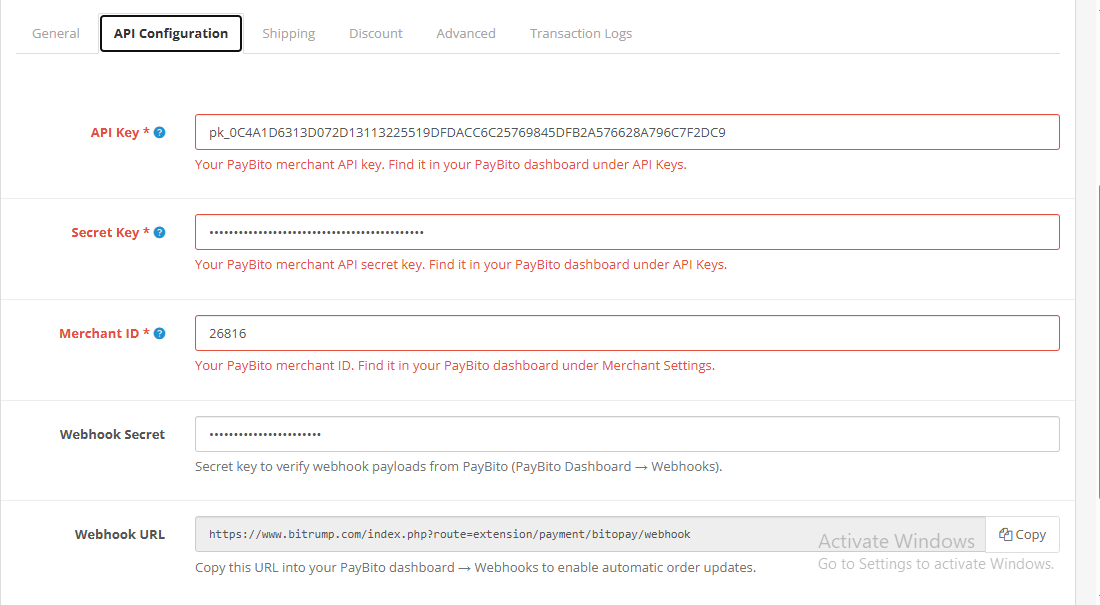
Save settings
Add Callback URL in PayBito Dashboard
Go to:
Set Webhook / Callback URL:
https://yourdomain.com/index.php?route=extension/payment/paybitopay/callback
(Depending on extension route)
Test Payment Gateway
Go to storefront: https://yourdomain.com
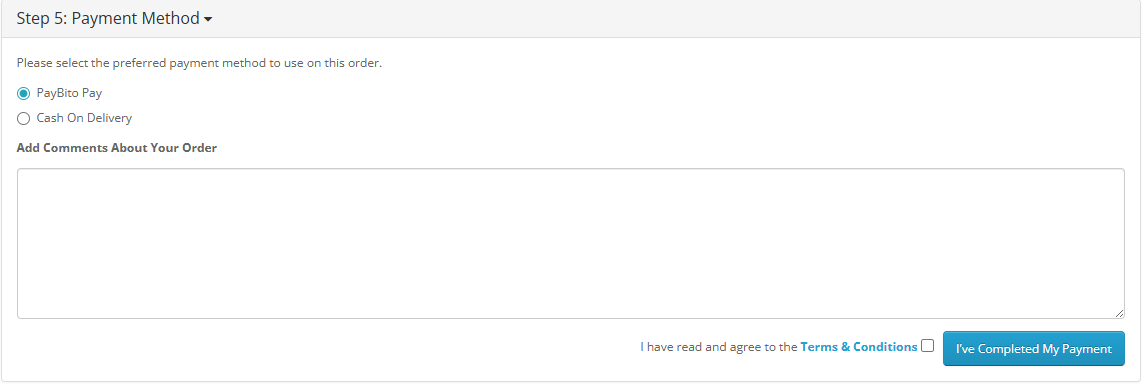
Checkout Page
Select: PayBito Pay
Complete checkout form and place order
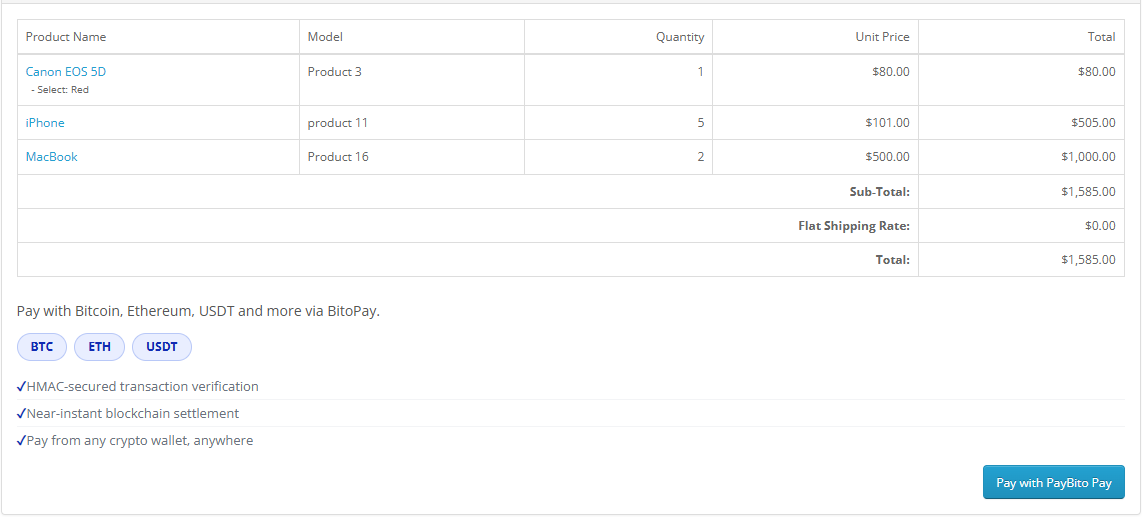
Redirect to PayBito Pay Merchant