Platform Overview
Welcome to PayBito Payments - your complete cryptocurrency payment solution for merchants. Sign up at https://trade.paybito.com/payments/ to get started.
Interface Layout
Once logged in, you will see the PayBito Payments interface organized into three main areas:
Left Sidebar
Navigation
Center Area
Dashboard
Top Navigation
Quick Actions
Key Features
Dashboard
The Dashboard provides a high-level overview of your payment activity and business metrics.

What You Can Monitor
Total Volume
Payment Volume
Recent
Transactions
Activity
Payment Activity
Performance
Key Metrics
Creating Payments
You can create new payments using the Create button in the top-right corner of the platform.

Payment Types
Payment Link
Shareable payment page for customers. Share via email, messaging apps, or embed in websites.
Subscription
Set up recurring crypto payments for subscription-based services and memberships.
Invoice
Send a payment request directly to a customer with specific amount and details.
Checkout Page
Hosted payment page for websites. Perfect for online stores and digital services.
Payments Section
The Payments menu allows you to manage all incoming payments across different payment types.
Transactions

The Transactions page displays every payment received. From this page, you can:
- View payment details
- Track payment status
- Monitor payment confirmations
- Review transaction history
Subscriptions
Subscription Management
The Subscriptions page manages recurring payment plans. You can create subscription plans, track active subscriptions, and monitor recurring payment activity.

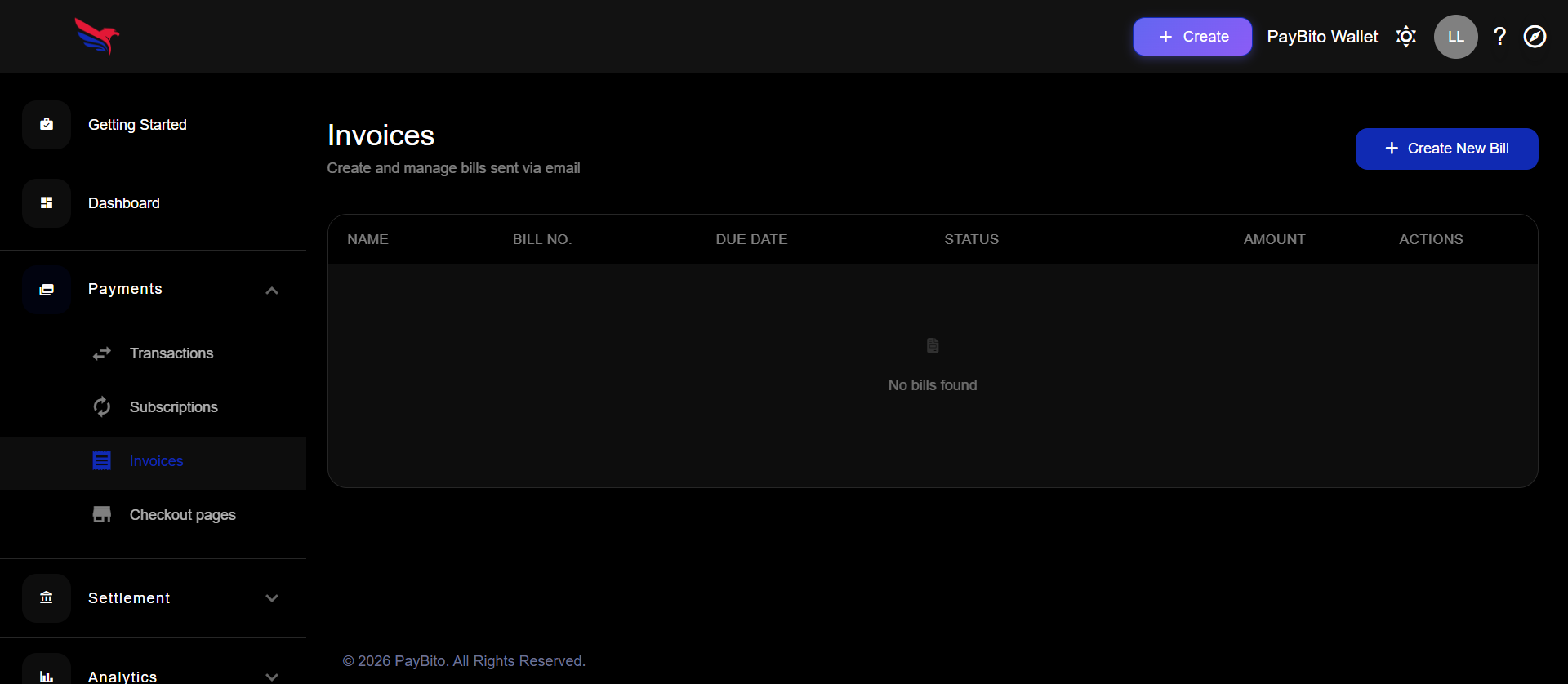
Invoices
Invoice Management
The Invoices section allows you to send payment requests to customers. Invoices include payment amount, supported crypto assets, and payment expiration time. Customers can complete the payment using cryptocurrency.
Checkout Pages
Checkout pages are hosted payment pages that allow customers to pay securely.

Checkout Use Cases
- Online stores
- Digital services
- Custom payment flows
- Website and application integration
Settlement
When customers make payments, the funds are credited to your Settlement Wallet. The Settlement section allows you to manage withdrawals and payout destinations.
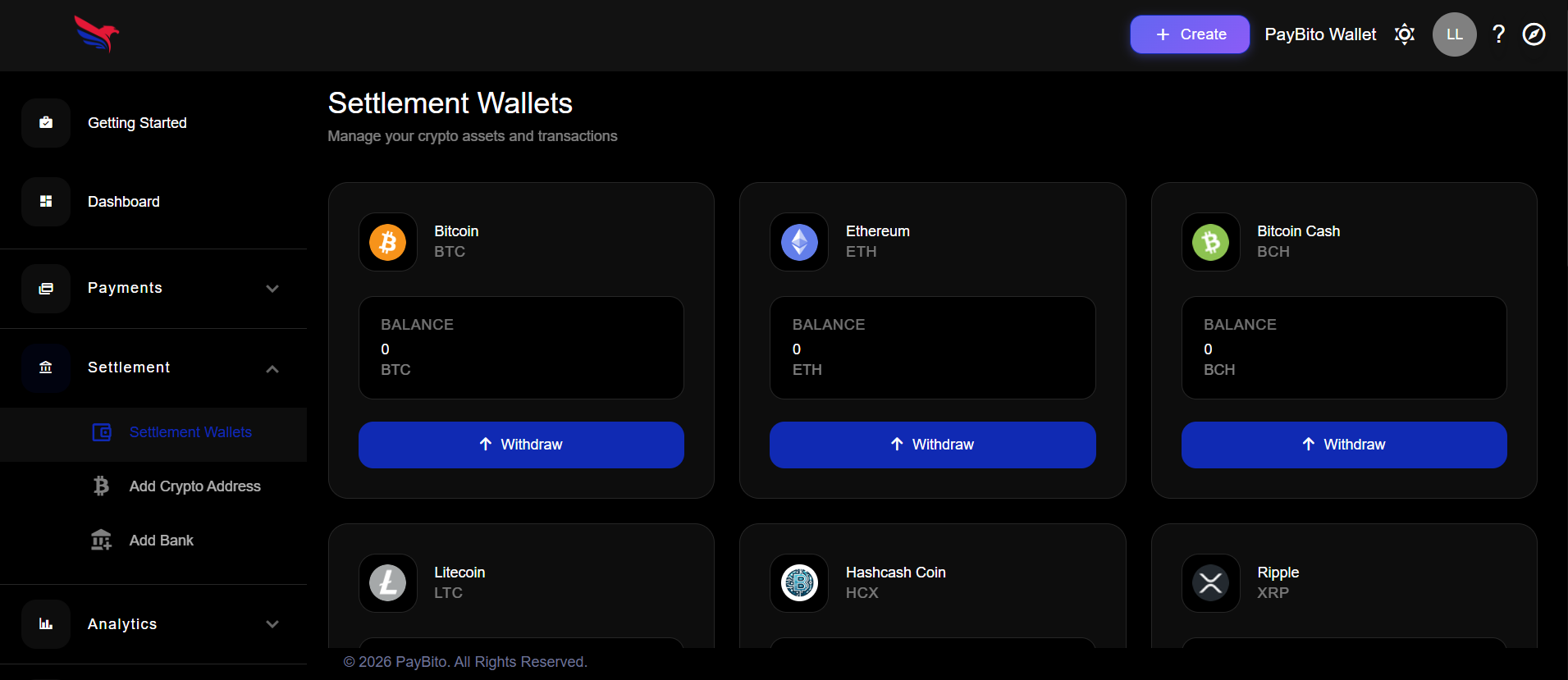
Settlement Wallets
Your settlement wallet holds all incoming crypto payments.
Wallet Overview
From here, you can review: Available balances, Asset types received, and Settlement history.
Payout Options
Add Crypto Address
Withdraw funds to external crypto wallets including company treasury, cold storage, or third-party custodial wallets.
Add Bank Account
Add a bank account for fiat withdrawals (if supported). Convert crypto payments and settle funds to your bank.
Common Withdrawal Destinations
| Destination | Description |
|---|---|
| Company Treasury | Your organization's main crypto holdings wallet |
| Cold Storage | Secure offline wallet for long-term storage |
| Custodial Wallet | Third-party managed custody solution |
| Bank Account | Fiat currency settlement (if available) |
Analytics
The Analytics → Insights section provides payment performance data to help you understand how your payment system is performing over time.
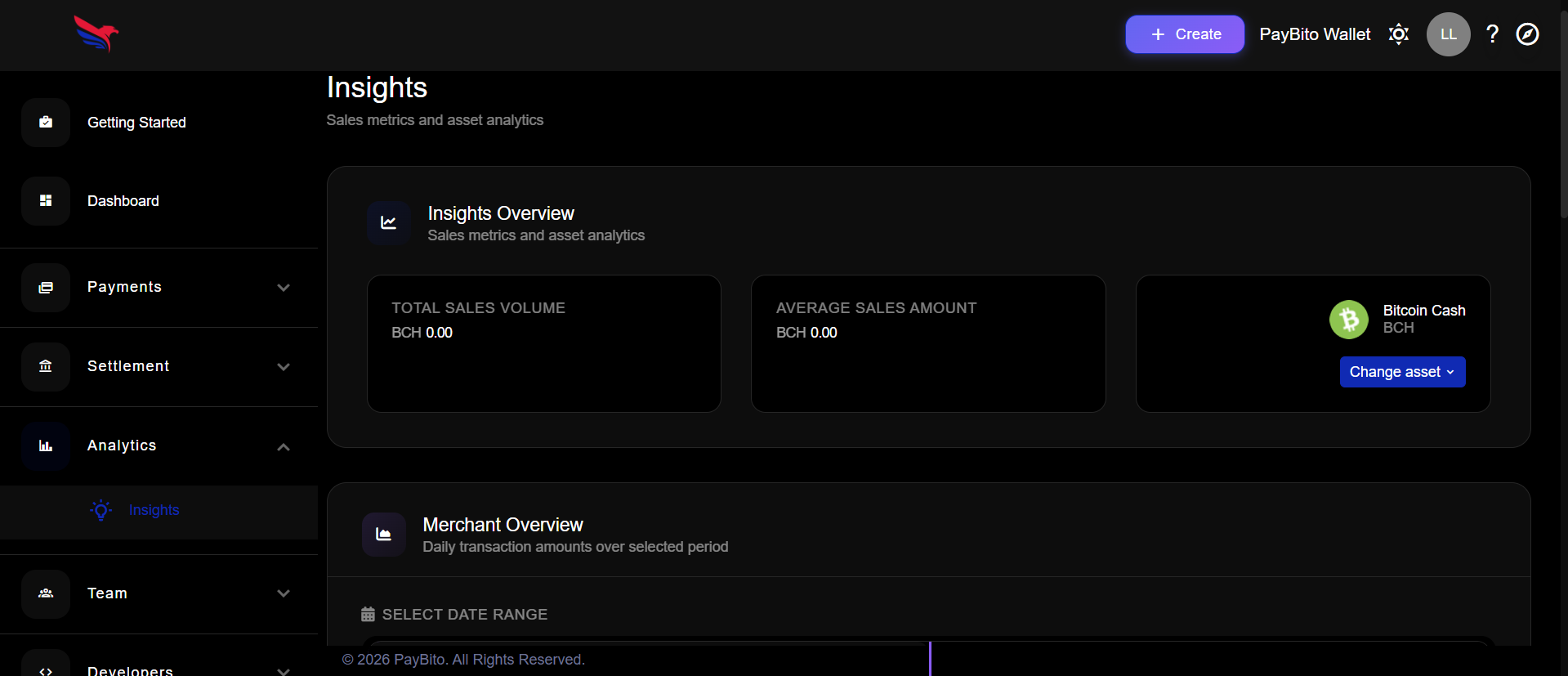
Available Insights
Revenue
Revenue Metrics
Volume
Transaction Volume
Trends
Payment Trends
Performance
Business Insights
Team Management
The Team section lets you manage users in your organization, allowing multiple people to manage payments securely.

Team Features
Developers
The Developers section provides tools for integrating PayBito Payments with your systems.

API Keys
API Key Management
API keys allow developers to connect your applications to the PayBito Payments platform. These keys are used to create payments programmatically, retrieve transaction data, and integrate checkout flows.
What You Can Do With the API
- Create payments programmatically
- Retrieve transaction data
- Integrate checkout flows
- Set up webhooks for real-time notifications
Documentation
Technical Documentation
The documentation section contains technical guides for developers. Use the documentation to integrate Payment APIs, Checkout systems, and Webhooks into your applications.
PayBito Wallet
The PayBito Wallet option in the top navigation connects your payment account to the PayBito Exchange.

Exchange Integration
You can transfer funds from your settlement wallet to your PayBito Exchange wallet to:
Store Assets
Securely hold your digital assets in the exchange wallet
Trade Assets
Buy, sell, and trade digital assets on the exchange
Financial Services
Access additional services like staking and lending
Account Settings
Click the profile icon in the top right corner to access your account settings.
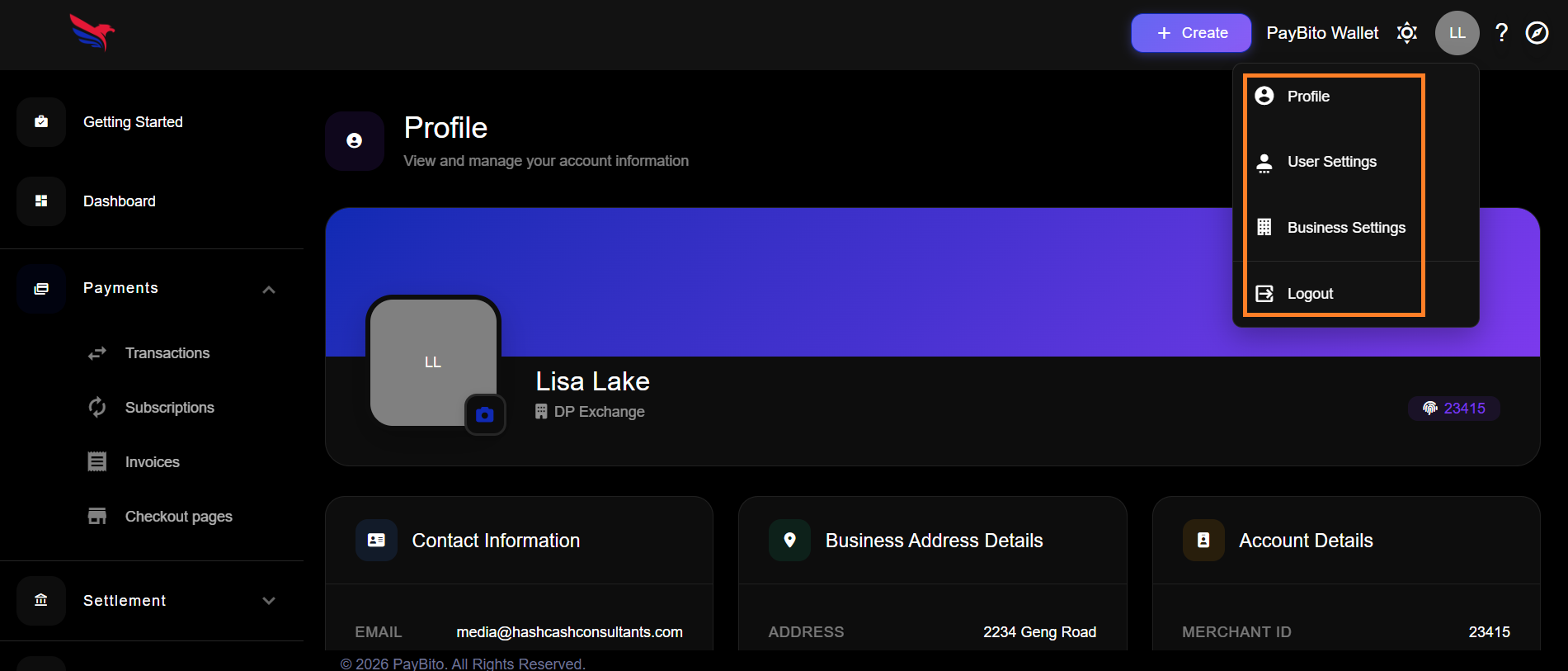
Settings Options
Profile Information
Update your personal details, contact information, and profile picture.
User Settings
Customize your account preferences, notifications, and security settings.
Business Settings
Manage company details and operational configurations for your merchant account.
Logout
Securely sign out of your PayBito Payments account.
Help & Support
Click the Help (?) icon to access support resources.
Product Tour
Start Tour
Documentation
Help Docs
Support
Contact Us
Available Support Options
- Start the product tour for guided walkthrough
- Access help documentation for detailed instructions
- Contact support for personalized assistance
Frequently Asked Questions
Click the "+ Create" button in the top-right corner, select "Payment Link", fill in the payment details, and share the generated link with your customer.
Funds are credited to your Settlement Wallet after the required blockchain confirmations. You can then withdraw to your added crypto address or bank account.
PayBito Payments supports multiple cryptocurrencies including Bitcoin (BTC), Ethereum (ETH), and various stablecoins. Check your dashboard for the complete list of supported assets.
Navigate to the Team section from the sidebar, click "Add Team Member", enter their details, and assign appropriate permissions for their role.
Yes! Use the API keys from the Developers section to integrate checkout flows, create payments programmatically, and receive webhook notifications.